
AI agent for Claude Code · Carousels
Carousel Designer
An AI agent that turns your idea into a designed Instagram carousel in your own brand, then hands you 1080 x 1350 PNGs. It checks every slide for phone readability before it lets you have them.
- Yours to keep, plain files on your computer
- Instant download
- About 15 minutes to set up
See It Work
Your colours, three looks, seven checked slides
You pick a look from real slides. It builds the carousel and measures every slide for a phone.
Carousel Designer Running in Claude Code
Your brand
R @rosewell.retentionYour idea
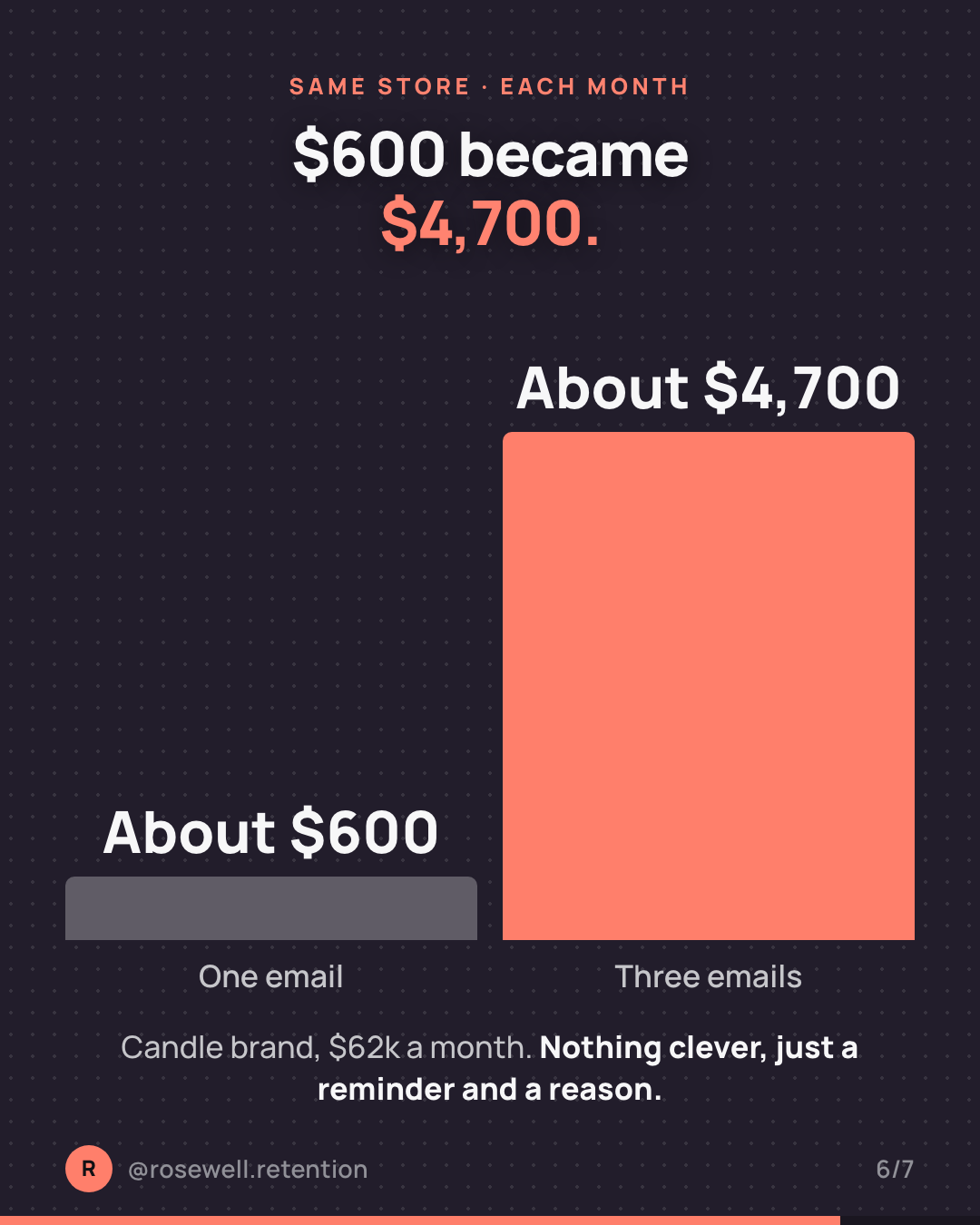
An abandoned cart flow, one email becoming three.
Your colours, three looks. Pick from a real picture.
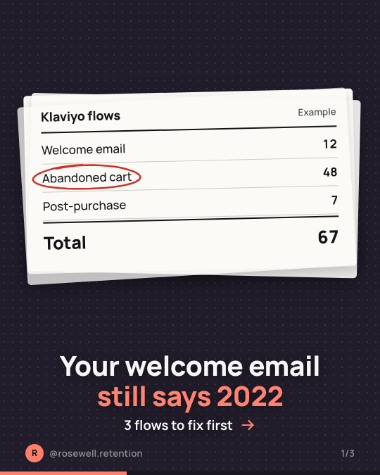
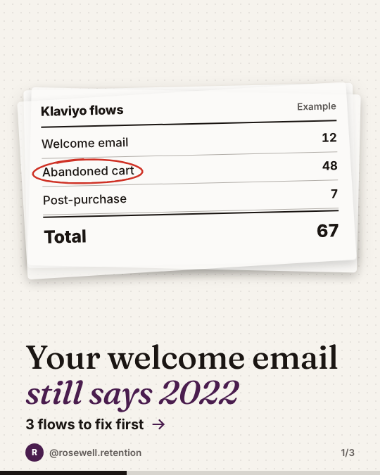
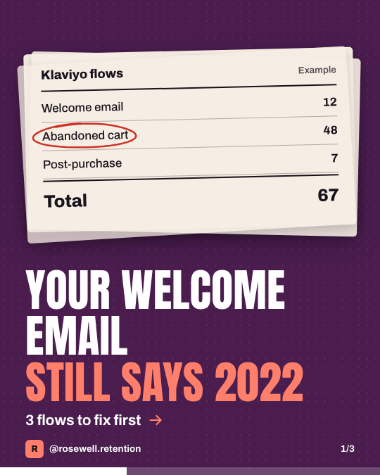
Dark UI, 7 slides, checked in a real browser
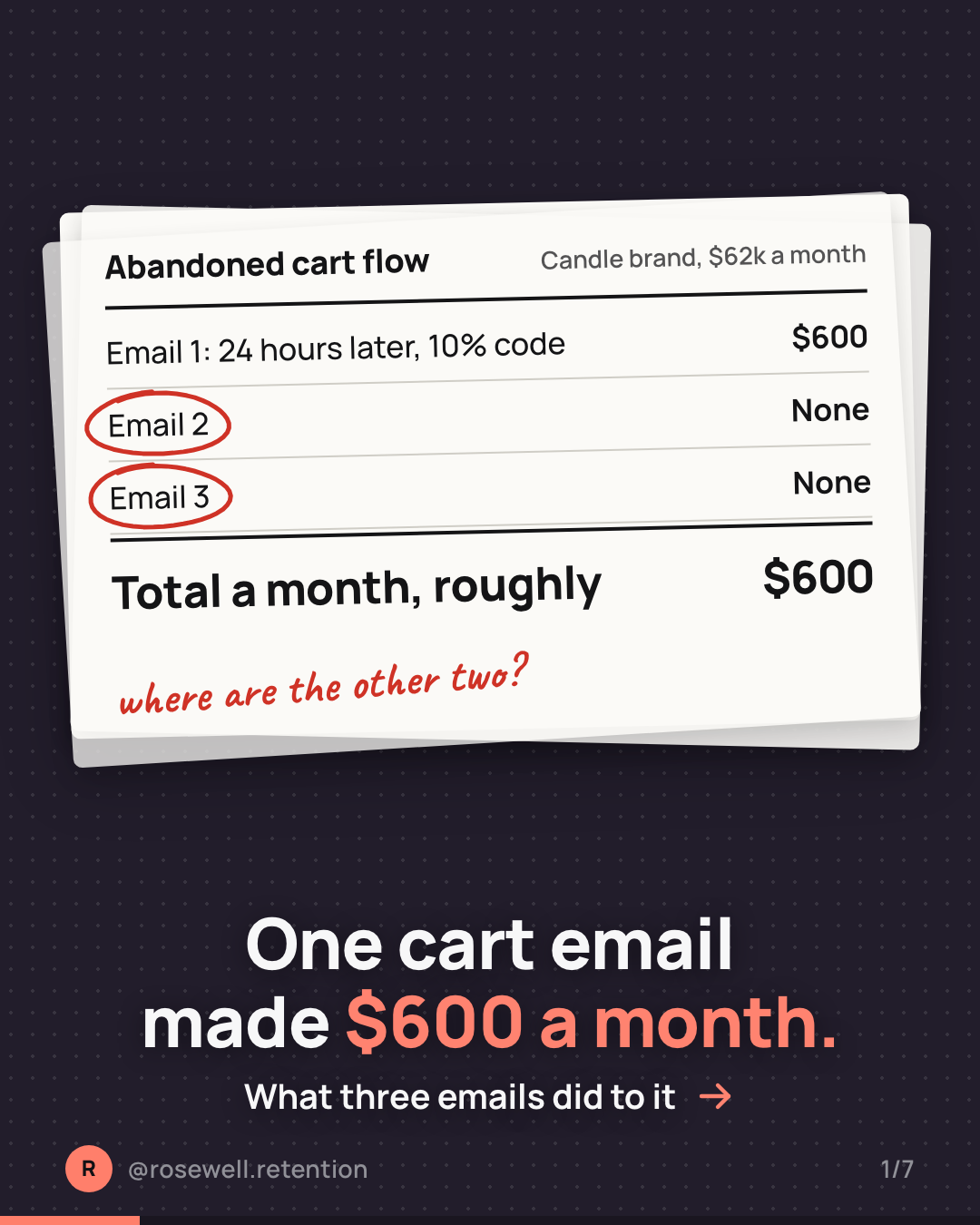
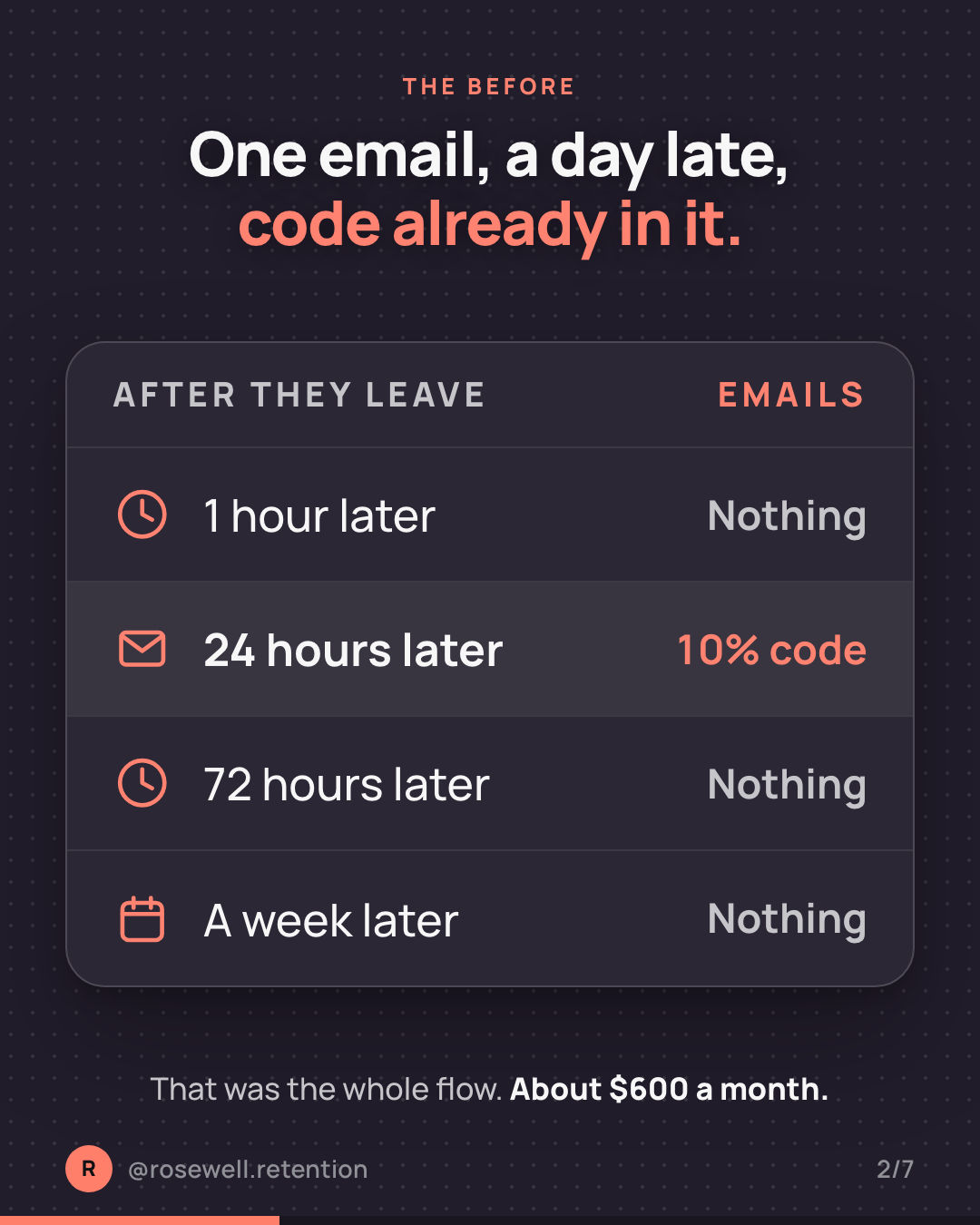
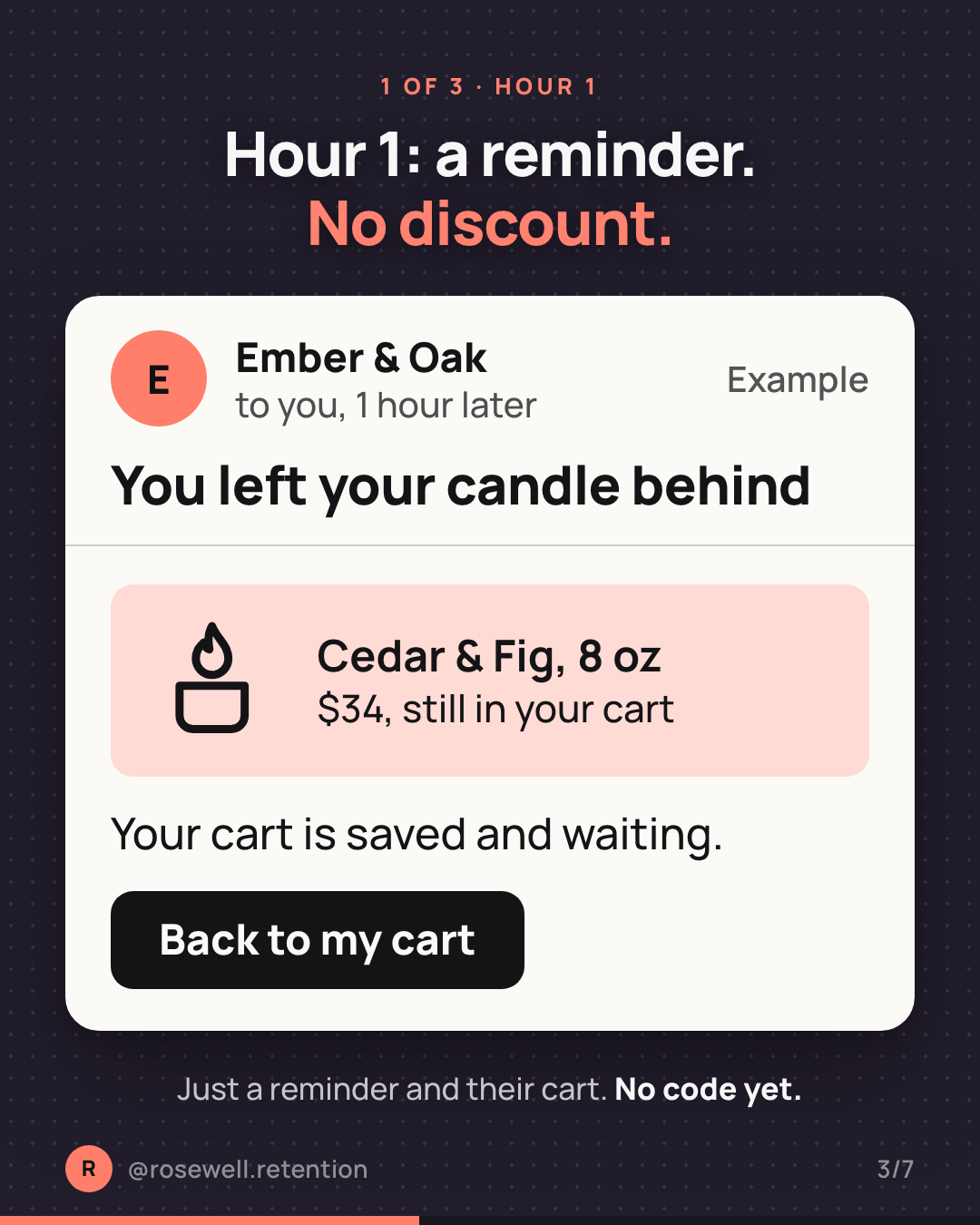
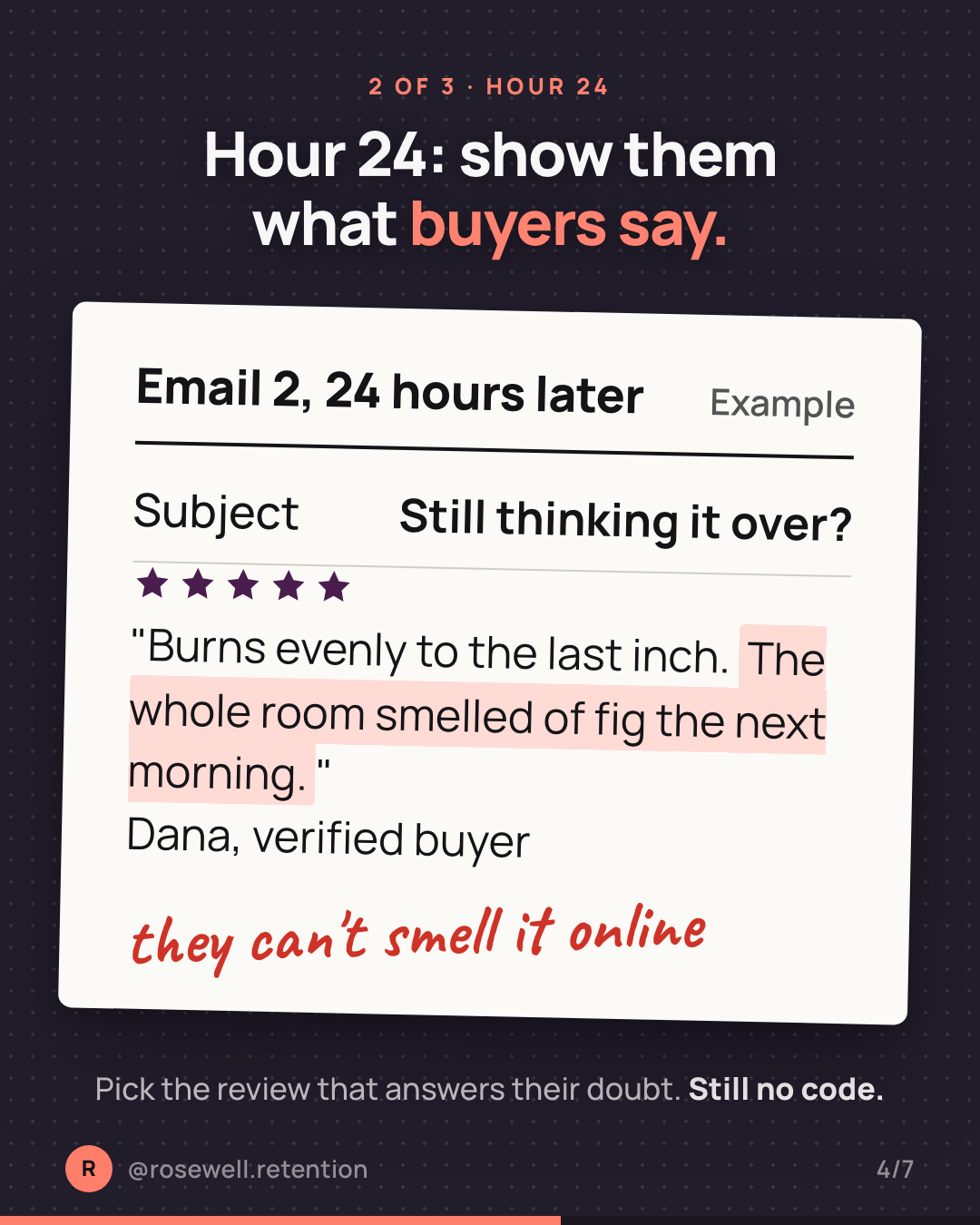
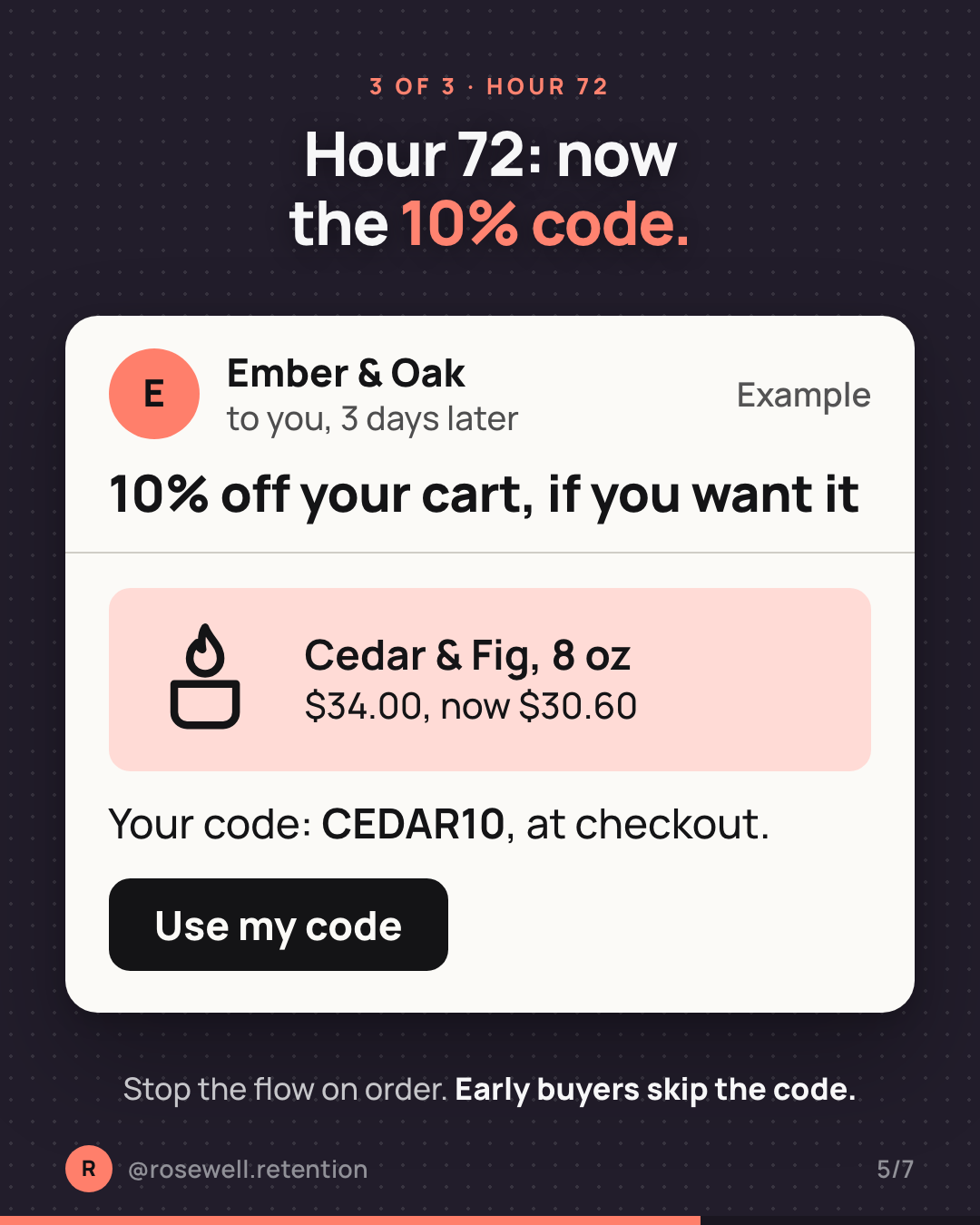
- Type size
- Margins
- Overlaps
- Overflow
- Blank space
- Contrast
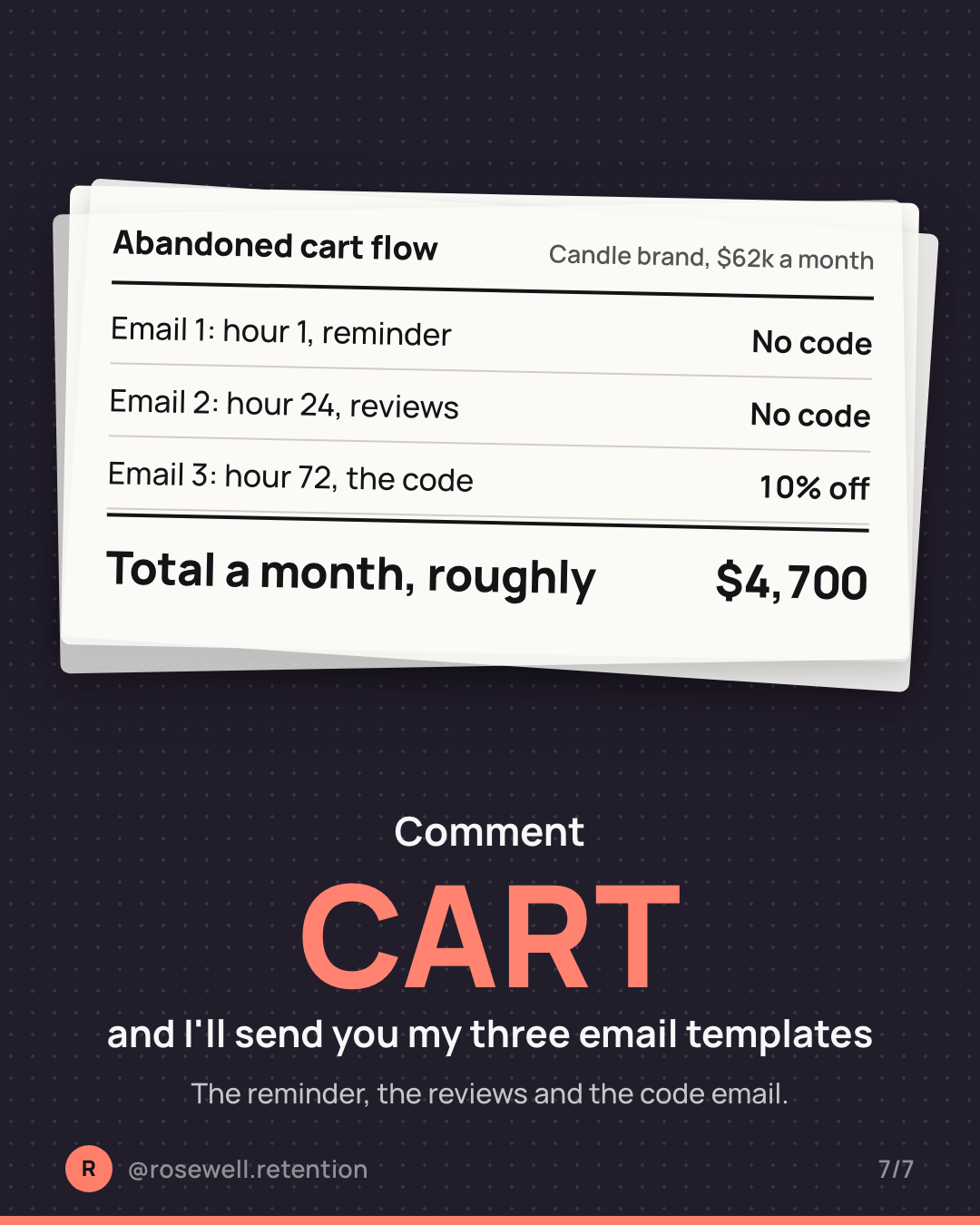
rosewell.retention Comment CART and I'll send you my three email templates.
Almost every store I audit has this flow wrong.
What lands in your folder
Animated from a real test run. Rosewell Retention, a fictional business that runs email for small online shops. The picker covers and slides are what the AI agent exported.
Click through the real output
Three looks, every slide
Comment CART and I'll send you my three email templates.
Rosewell Retention, a fictional business that runs email for small online shops.
Made for Rosewell Retention, Marrow Lane Physio and Saltbox Bakehouse, three fictional businesses. Unedited, straight from the agent.
Why I built it
Slide 2 kept coming out boring. The covers were fine, then the next slide was a headline and a paragraph, and on a phone half the words were too small to read. Grey text that looked fine on my monitor turned to mush. Progress bars vanished at export. I'd spot it after the slides were already made.
So every time a slide came back wrong, I wrote the rule down. Type floors for a phone screen. One margin on every edge. A visual on every slide, with no exceptions. Then I turned those rules into a real check that measures each slide in a browser, because my eyes kept missing things. My first version of that check passed slides that were still too small, so I raised the floor.
This is that system with my branding stripped out, rebuilt around yours. You give it your colours, logo and a few of your own captions, pick from three different looks, and type an idea. It writes the slides, draws the visuals, checks them, opens every finished image and reviews it, then gives you PNGs and a caption. You post them yourself.
What it does
Turns An Idea Into Slides
Give it a topic, a rough note or a post you already wrote. It writes five hooks, scores them, plans each slide with its visual, and builds the carousel.
Three Looks, Your Brand
It renders your own colours in Dark UI, Light Editorial and Bold Colour so you can pick from a real picture. The looks differ in fonts, layout and structure, as well as colour.
Puts A Visual On Every Slide
Every slide shows the thing itself: a bill with red pen on it, a text thread, a lock screen, an email, a spreadsheet, a map or a drawing of your subject. It comes with over 30 ready visuals and can draw custom ones. A slide that is only text fails the check. A real company's logo only appears if you supply it.
Checks Every Slide For A Phone
A built-in audit opens the carousel in a real browser and measures type size, margins, overlaps, overflow, blank space and contrast against the actual pixels. If anything fails, it will not export.
Reviews Its Own Work
After export it opens each PNG at full size and goes through a designer's checklist, then fixes what it finds. You see the slides after that, along with a phone-size contact sheet.
Sounds Like You, Remembers Your Notes
It reads a few of your own captions and writes slides and captions from those notes. Words you never use stay out. Tell it you hate a style or a word and it saves that in a plain file it reads every session, and those notes override its defaults.
Solves Your Colours
A pale yellow or a dark navy can be hard to read on a slide. It adjusts slide colours so text stays readable, tells you what it changed, and leaves your logo alone.
Make It Move
Type Make It Move and a finished carousel becomes looping video slides: silent 6 second MP4s at 1080 x 1350, readable from the first frame. Allow about 30 seconds a slide and one more free helper, about 80 MB. You post them yourself.
Your first session
- Open the folder in Claude Code and type Get started.
- Answer a few questions in chat: your brand, audience, colours, logo and a couple of your captions.
- Say yes to the one-time install of two free helpers. They stay inside the folder.
- See your brand in three looks and pick one.
- Give it one idea and get a finished carousel: PNGs at 1080 x 1350 and a caption, ready for you to post.
Who it's for
- Founders and freelancers who know what to say on Instagram and do not want to spend an evening in a design app
- Creators who post carousels and want them to look consistent without hiring a designer
- Small brands with colours and a logo who want posts that look like theirs
What you need
- A Claude Pro or Max plan
- A Mac. Windows steps are included but haven't been run on a Windows machine yet
- Under 400 MB of free disk space for the helpers, plus about 80 MB if you use Make It Move
- No coding, API keys or design software
Questions
Do I need to know how to code?
No. You paste one install line, open the folder and type Get started. After that it is a chat. The agent runs its own tools and explains anything technical in a sentence.
What does it cost to run?
Nothing beyond your Claude plan. There are no API keys and no paid services. The two helpers it installs, Node.js and a headless browser, are free, and so is the extra helper Make It Move asks for.
Will my slides look like everyone else's who bought this?
There are three different looks, each rendered in your colours, with your logo and your words. Inside a look it varies the visuals from one carousel to the next, and it can adjust corners and texture or use your own licensed fonts.
Does it post for me?
No. It makes the PNGs and a caption and stops there. You choose what goes live and you post it yourself.
Are the fonts OK to use commercially?
Yes. All seven font families ship inside the package under the SIL Open Font License, which allows commercial use. The licences are in the folder.
What if I do not have a logo or know my colour codes?
That is fine. Without a logo it makes a simple round mark from your initial. For colours, you can share your website, describe them in words, or let it suggest palettes for your audience.
Will the details on my slides be real?
Claims come from you or from a source it checked and can name. A mock bill or message can hold made-up lines so people can see what the thing looks like. Those objects say Example on them, and it lists what it made up so you can swap in the real thing.
What if it doesn't work for me?
Set it up and run its first job. If it doesn't do what this page says, email hello@altari.ai within 14 days of buying and tell me what you tried, and you get your money back. If you haven't set it up yet, start there, and email me if you get stuck. A refund closes your download link.






Want the other 6 too?
All 7 AI agents are $97. Separately they come to $259.
Runs on your own Claude plan, from files on your own computer.