
AI agent for Claude Code · Video
Video Editor
An AI agent that edits your talking-head recordings into vertical reels: your best takes, clean cuts, captions and animated scenes written for what you said. It runs on your computer and checks its own work before you see it.
- Yours to keep, plain files on your computer
- Instant download
- About 60 minutes to set up
See It Work
How one of my reels got made
See where it ends up, then how a 5:50 phone recording got there.
The phone recording
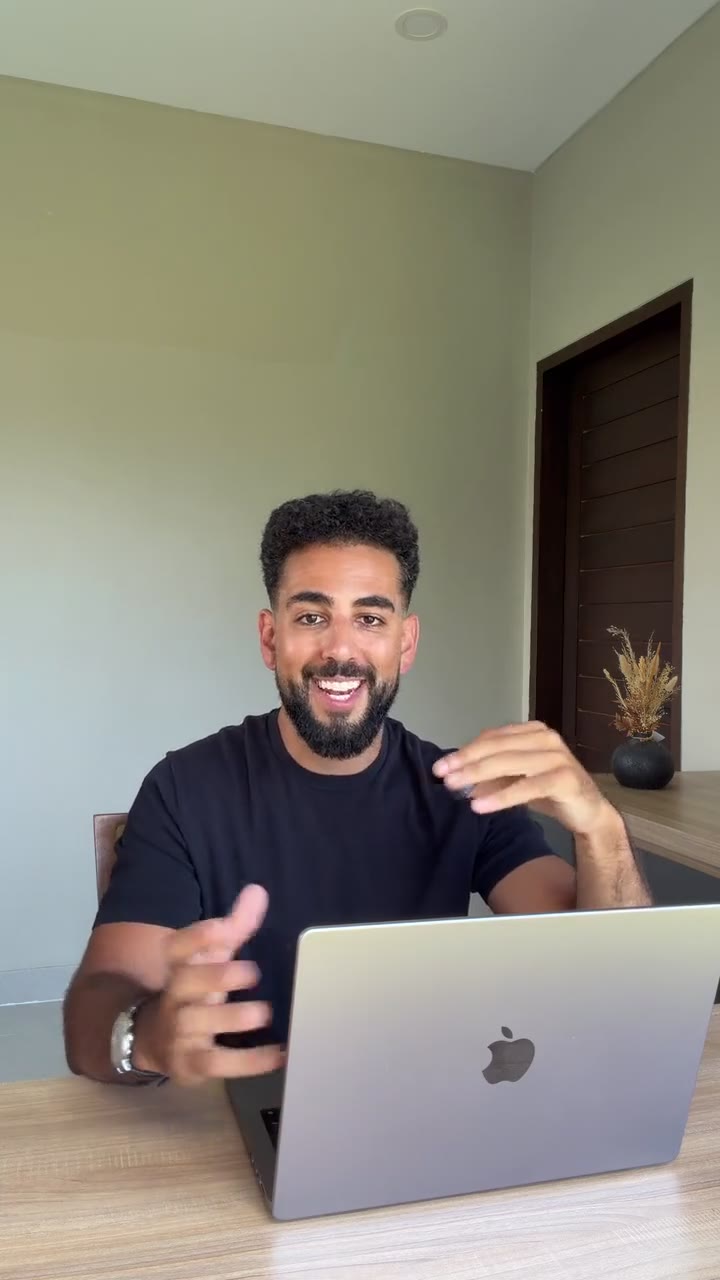
5:50 recorded, 76 attempts
0:55 kept, 19 lines
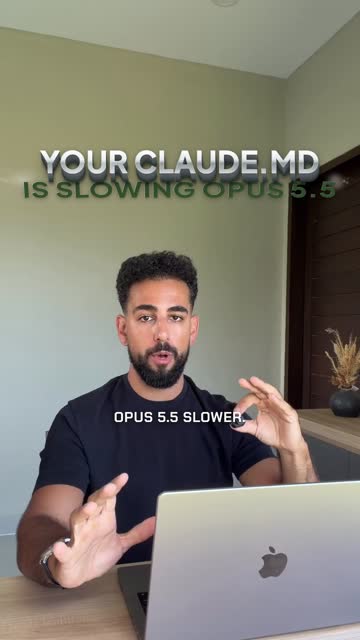
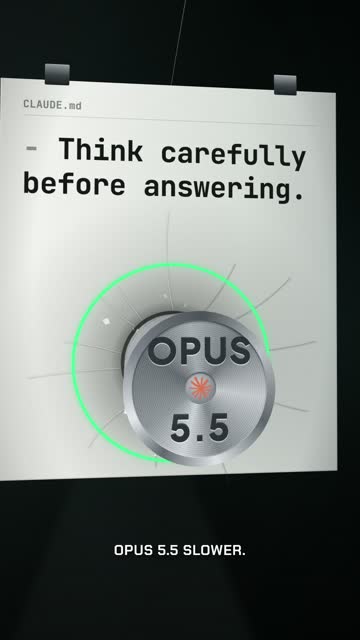
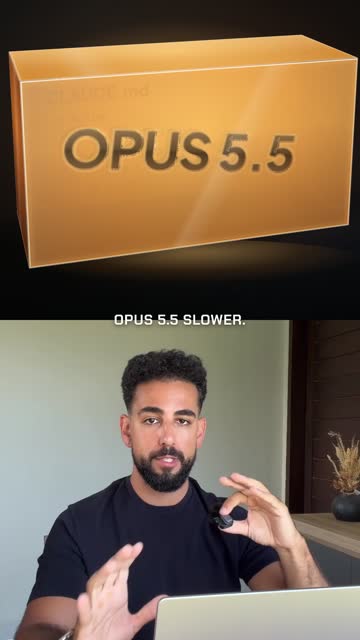
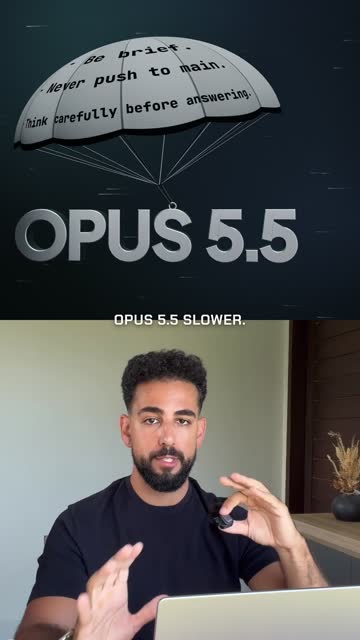
 Your CLAUDE.md Is Slowing Opus 5.5
The finished reel
Seven builders, one family of scenes each
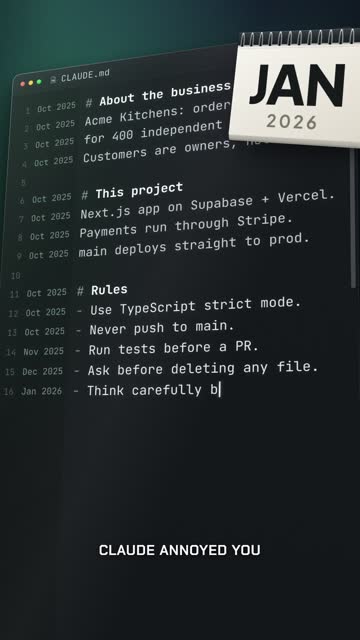
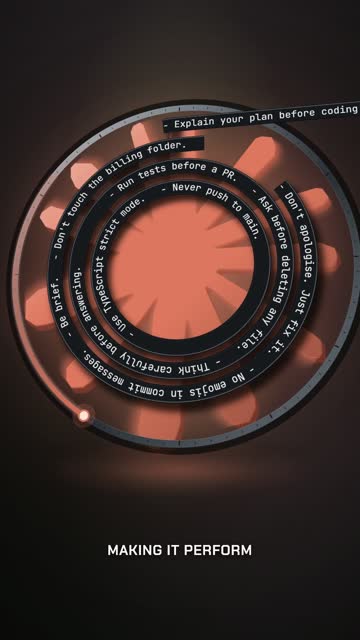
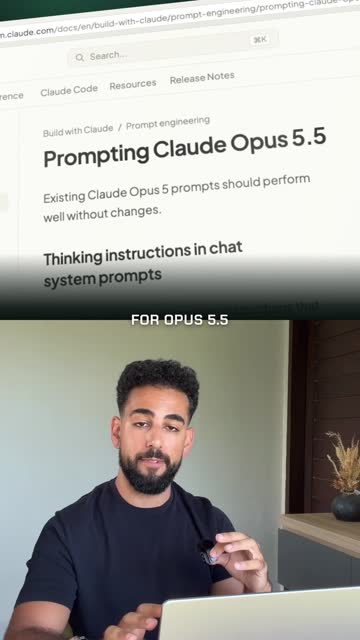
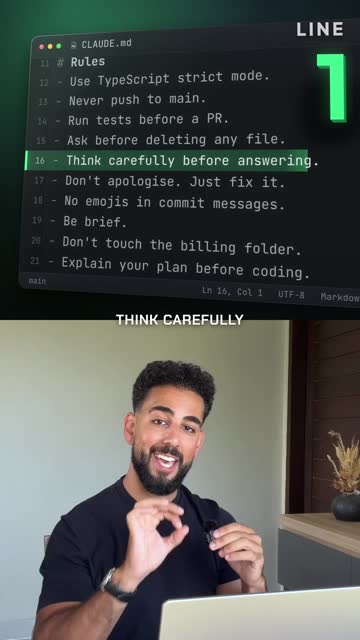
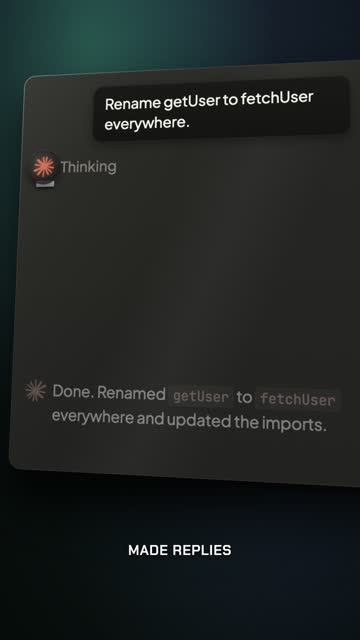
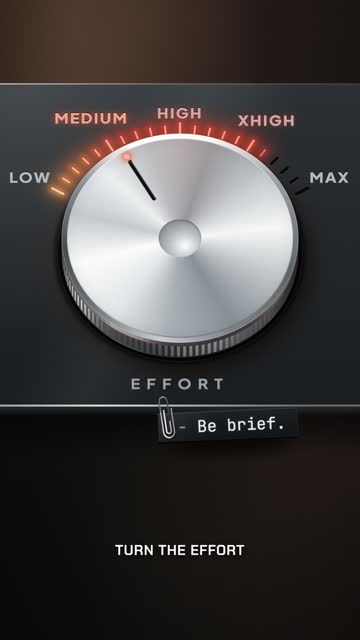
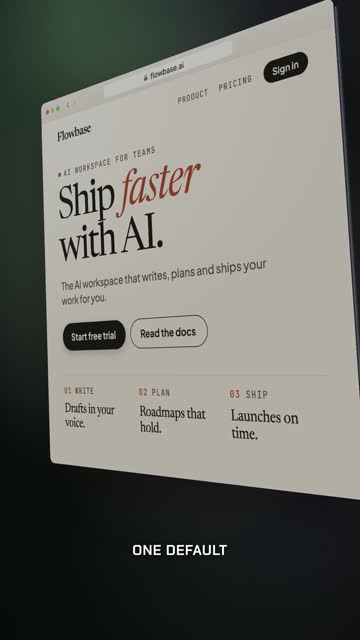
Nine openings built, one on the reel
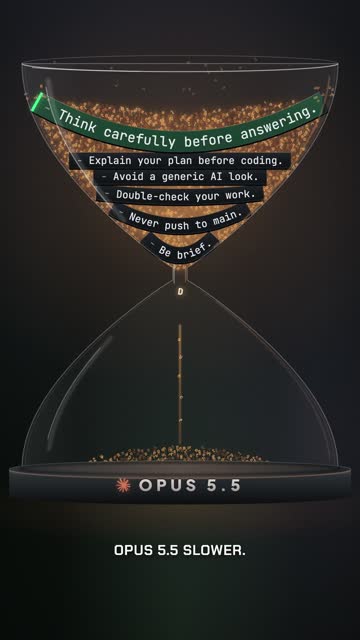
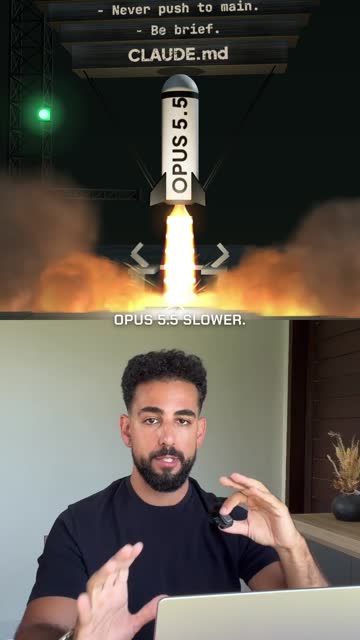
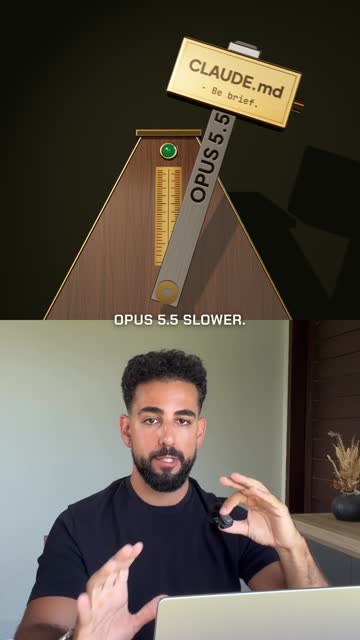
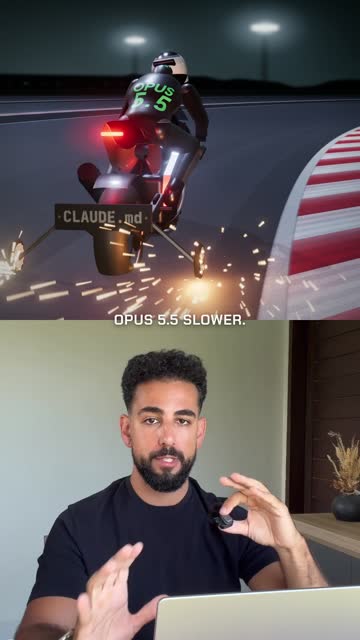
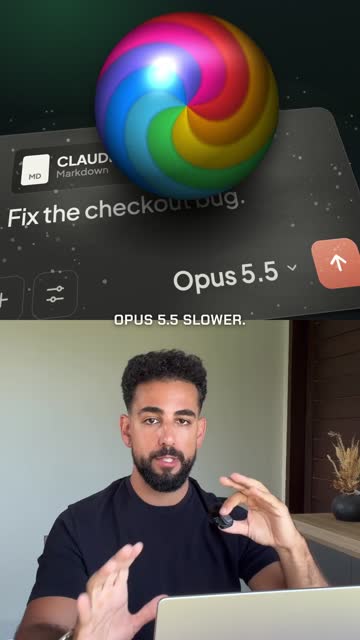
Measured before it counted as done
- All 1,641 frames present at 1080 x 1920
- Voice identical to the master, by hash
- Every caption cue measured on screen, 0 missing
- On-screen claims checked against Anthropic's guide
- Contact sheets read every 20 frames
- Mix at -14.0 LUFS, true peak -1.1 dBTP
What came out of the project folder
Every number comes from this reel's own project files. The brief, the look and the final hook were my calls. The music and some sound effects came from a library that doesn't ship with the agent.
Click through the real output
Raw recording in, edited reel out
Why I built it
A good talking-head reel is mostly decided after you film. You say a line again and again until it lands, so a minute of video starts as several minutes of retakes. Then something has to pick the best delivery of each line, cut it cleanly, and find a picture for every idea that's actually about that idea.
So I moved all of that into AI agents. They pick the best take of each line, measure every cut against the audio, check the claims at the source, plan a picture for each idea and build the animation in code. They open their own frames before I see them, and every time I pushed back, the fix became a rule.
This is that process with my look taken out. You set your colours and type on your own footage, and it all runs on your computer. A big edit uses a lot of Claude usage, so your first video runs in a lighter Quick mode, and your notes shape every video after it.
What it does
Keeps Your Best Take
Say a line three times and it keeps the best complete delivery. It reads every retake in the transcript and places each cut on the sound of your voice, so every word stays whole.
Proves The Cut By Measuring It
Before you see anything, it checks that no word was clipped, there's no dead air, no clicks at the joins, and loudness sits at -14 LUFS.
Moves Between Three Layouts
You with a visual above you, a full-frame visual, and just you, changing when your argument turns.
Writes A Scene For Each Idea
Each visual is written fresh for your words from a kit of finished parts, and every move is timed to a spoken word. Quick mode builds 3 to 5 scenes, and Full builds one for every idea.
Captions In Your Look
Word groups that break where you'd pause, placed for each layout, with big punch words if you want them.
Scales To Your Plan
Plain, Quick, Standard or Full, from cuts and captions up to about 14 agents and five alternative openings. It asks before any big run.
Checks Its Own Work, Learns Your Taste
It opens its own frames at full size before you see them, saves every note you give, and keeps old renders.
Your first session
- Open the folder in Claude Code and type Get started.
- Answer a few questions in chat about you and how you want it to look.
- Say yes to a one-time install of free helpers, about 550 MB, all kept inside the folder.
- Drop in a 20 to 60 second clip. It cuts that first.
- See your look drawn on frames from your own footage, and get a finished video from Quick mode, ready for you to post.
Who it's for
- Founders and consultants who film talking-head videos and do not want to learn an editing app
- Creators posting reels, shorts or TikToks every week who want captions and graphics that look consistent
- Anyone who would rather keep their recordings on their own computer than upload them to an editing service
What you need
- A Claude Pro or Max plan. Bigger edits use a lot of it, and Max is the right plan for Full mode
- A Mac with Apple Silicon (M1 or later). Windows steps are included but haven't been run on a Windows machine yet. The cut-out presenter look is Mac only and needs Apple's free command line tools; without it you get a plain crop with straight cuts
- About 10 GB of free disk space: 1.2 GB for the helpers, the rest for your videos and renders
- An internet connection for the one-time setup, about 550 MB to download
- Recordings of you talking to camera, ideally filmed vertically
- No coding, API keys or editing software
Questions
Do I need to know how to code?
No. You paste one install line, open the folder and type Get started. After that it is a chat. The agent runs its own tools and explains anything technical in a sentence.
What does it cost to run?
Nothing beyond your Claude plan for most people. There are no API keys or paid services, and the helpers it installs are free. A big edit does use a lot of your plan: Quick fits one long session, and with Full, which runs about 14 extra agents, expect to hit Pro limits and continue later. Max is the right plan for it, and even on Max 20x our 56 second Full test hit the 5-hour limit once, then finished after the reset with nothing lost. Remotion is free for individuals, companies with up to 3 people and non-profits, while a company with 4 or more people needs a paid Remotion Company License from remotion.pro.
How long does it take?
In testing on a recent Mac with fast internet, the one-time setup took under 3 minutes, and slow connections take 15 minutes or more. Simple scenes render at about 5 seconds for each second of video, and heavy 3D takes much longer. A Quick edit of a 50 second clip took about 30 minutes in that test, setup included. Plan on about an hour for your first session.
Will mine look like the reel on this page?
That reel is a full edit with several rounds of notes and music I added. Your first video runs in Quick mode, so expect clean cuts, captions and 3 to 5 scenes. Full mode and your notes get you closer, and results vary from video to video.
Will my videos look like everyone else's who bought this?
Your colours and type are your own, and every scene is written fresh for what you said. Scenes are built from a shared kit of parts like app windows, paper and lit lists, so quality and style still vary from video to video.
Does my footage get uploaded anywhere?
No. Transcription and rendering run on your computer, and the only downloads are the helpers during setup. The agent does read your transcript and look at frames from your video, and those go through your Claude account like anything else you share with Claude.
Does it post for me?
No. It renders an mp4 and stops there. You choose what goes live and you post it yourself.
What if it doesn't work for me?
Set it up and run its first job. If it doesn't do what this page says, email hello@altari.ai within 14 days of buying and tell me what you tried, and you get your money back. If you haven't set it up yet, start there, and email me if you get stuck. A refund closes your download link.






Want the other 6 too?
All 7 AI agents are $97. Separately they come to $259.
Runs on your own Claude plan, from files on your own computer.